
Z7 Games: Familiar Favourites, New Directions
Start with the experience you enjoy: a reel theme, a card format, underwater action, a streamed table, a sports market or a compact mini game. Six categories give you different directions.
Find the Experience Before the Title
Start with a category, then distinguish a named game from a provider collection. Fortune Gems 500, Fortune Gems 3 and Super Ace appear in the JILI slots list. Aviator and Mines are labelled SPRIBE in the lobby; the Evolution Live card opens a provider collection and uses Crazy Time artwork.
Know the title you want? Search its name and compare the provider label. Still exploring? Start with a category, or use the lobby labels Hot, Demo, Recent and Favorites to find a direction. Read the mode offered by the selected title before starting.
The guides below help you compare controls, round structure and the information inside a selected game. They do not predict results or turn games with different versions into one set of rules.
Six Ways to Explore the Lobby
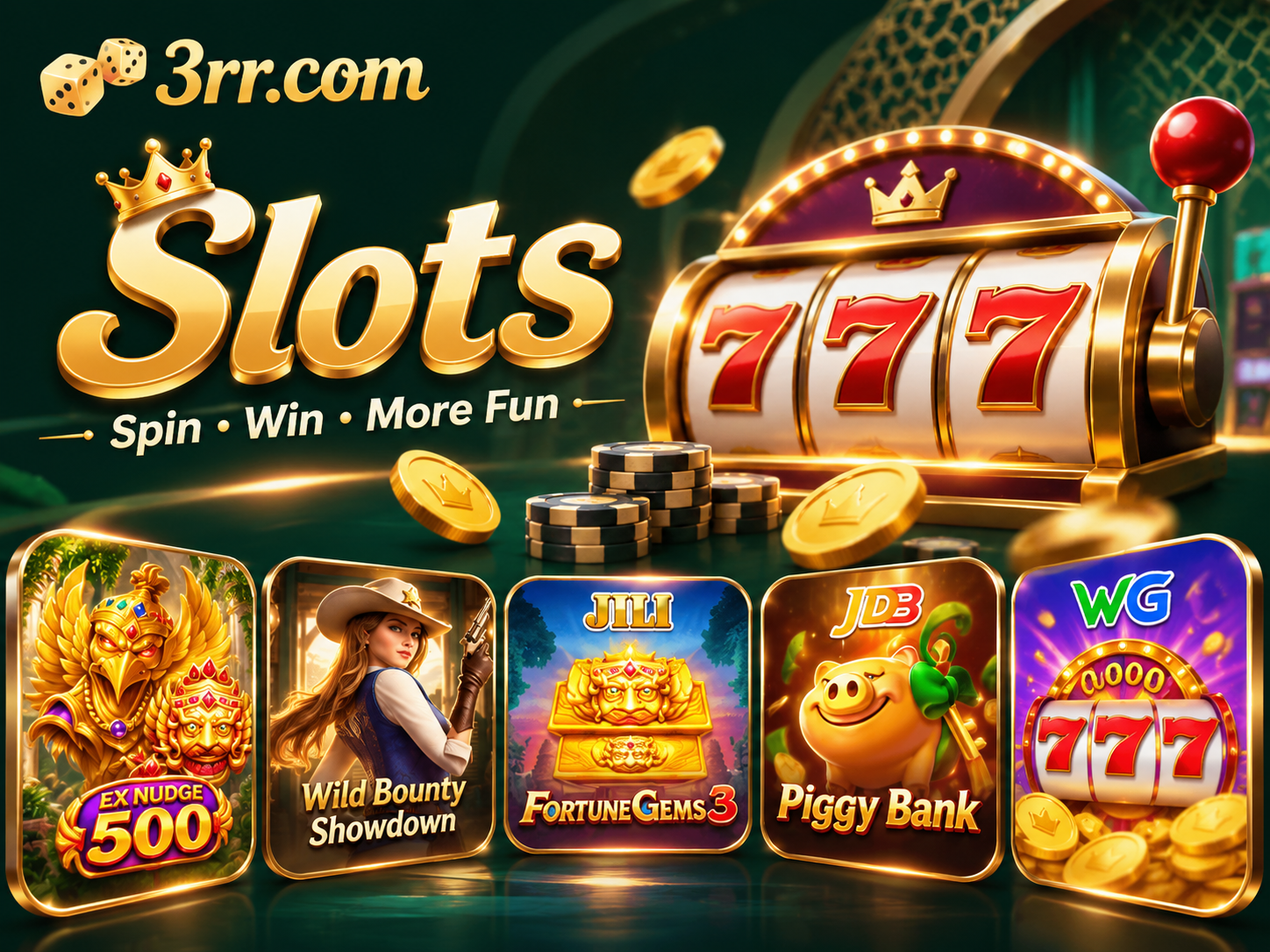 SlotsStart with the theme, reel presentation and feature style you enjoy. The paytable connects the artwork to symbol values, combinations and any optional feature cost.
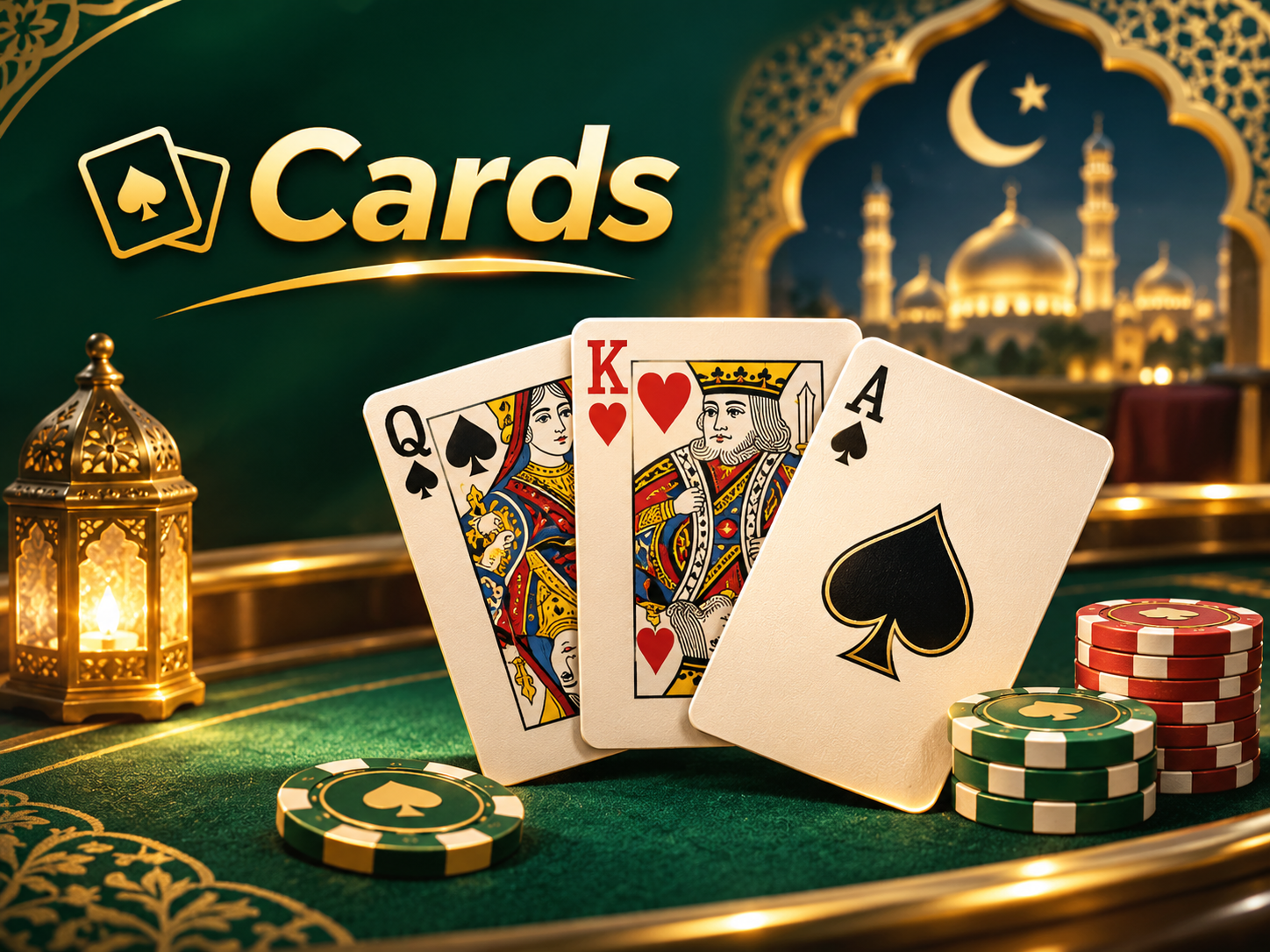 CardsChoose a hand-ranking or table format you recognise, or learn a different dealing sequence. The same card artwork can belong to games with different decisions and outcomes.
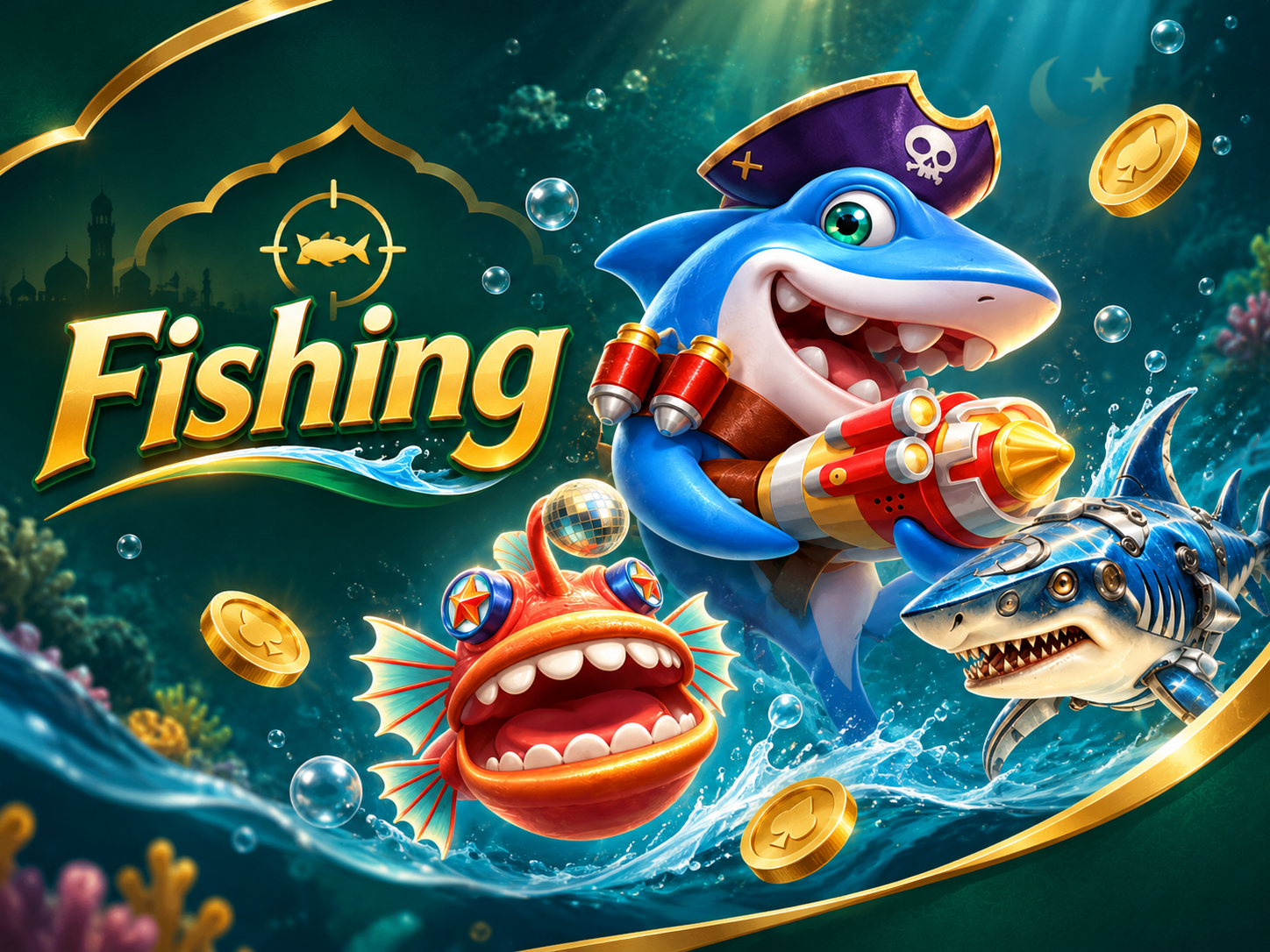 FishingDiscover moving targets and action controls in an underwater setting. Compare shot values and equipment, including how rapid or automatic actions are charged.
 LiveFollow a streamed table or presenter-led round. The round timer, available selections and result record matter alongside the video itself.
 SportsChoose an event and a market you understand. Read what period the selection covers and how that market is settled, rather than treating every event selection as identical.
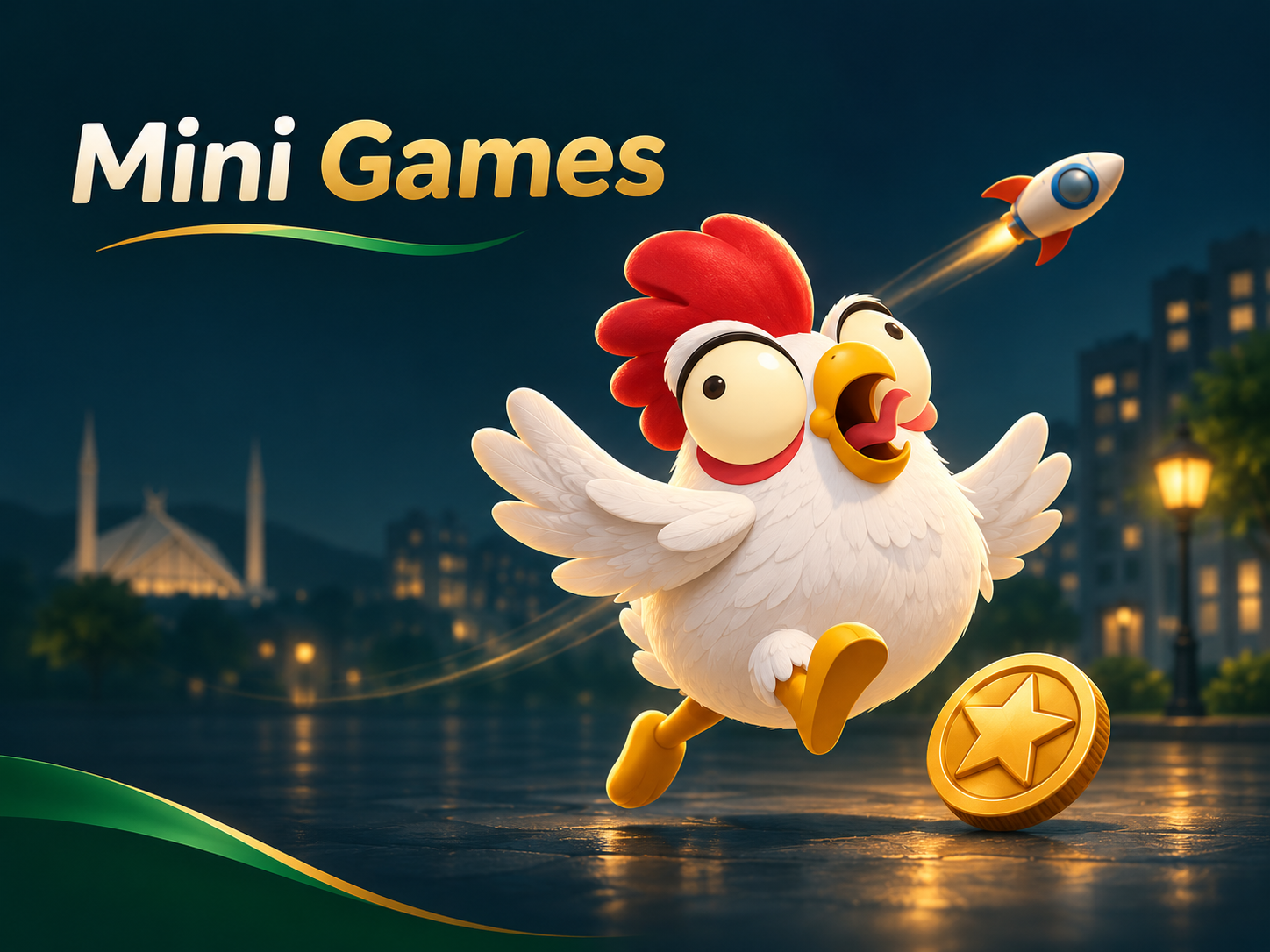 Mini GamesCompare compact formats built around revealing, timing or stopping actions. Each title has its own controls and round cost; an animated result is not a forecast.
Selected Games & a Live Collection
Slots: Let the Theme Lead, Then Read the Paytable
A theme makes a slot recognisable; the paytable explains the paying symbols, substitutes and feature triggers. Compare both when deciding whether the format interests you.
Check the total round cost after enabling an optional feature. A base stake, extra action and feature purchase may be separate parts of a title’s controls.
Cards: Know the Hand and the Decision
Start with the ranking examples and dealing order. Identify whether the format uses a dealer, other players or a defined outcome before relying on a familiar-looking card.
Read the main selection and any side bet separately. Their cost and result conditions can differ, even when they appear on the same table.
Fishing: Match the Action to Its Cost
Moving targets and equipment give fishing a different pace from a table format. Find the target-selection, weapon and stop controls before using rapid or automatic actions.
A change of shot value or equipment can change the cost of the next action. The selected game’s information explains how a capture and reward are determined.
Live: Follow the Round as Well as the Stream
A video creates the table atmosphere, while the timed interface handles selections and results. Know when selections close and where the recorded result appears.
If video and interface timing differ, use the title’s recorded round information. Keep the game and round reference if a connection problem makes a result unclear.
A Better Way to Compare Two Games
- 1
Experience
Theme, table style, pace and controls help explain whether a title suits your visit.
- 2
Cost and limits
Read the complete round cost, table range and optional actions before starting.
- 3
Recorded result
Know where the game records a completed round and how to identify it for support.
Game Discovery Questions
Can I assume every Demo-labelled area is free?
No. Open the selected title and read the mode it actually offers. A lobby tab does not establish the cost or rules of every game.
Why can similar names have different controls?
They may refer to different providers or versions. Keep the title and provider together when asking about a game.
Can a guide or predictor guarantee a result?
No. A guide explains controls and rules. It does not provide guaranteed outcomes, recover losses or establish that a modified game file is legitimate.
What should I compare in a Sports selection?
Check the event, market and covered period together. A full-match selection and a period-specific selection can settle differently; read the market information rather than relying on the team name alone.
Where do I start with Mini Games?
Identify what starts a round, what each action costs and how the round ends. Reveal, timing and stop controls differ by title, so read the instructions for the version you open.
Is every lobby card one specific game?
No. Some cards open a provider collection. The Evolution Live card uses Crazy Time artwork, while the JILI Slots card opens a list of titles. Read the card label and the title list before choosing.
Your Next Discovery Starts in the Lobby
Open Z7, choose a category or search a familiar name. Confirm the title and provider, then explore the version offered for your account.